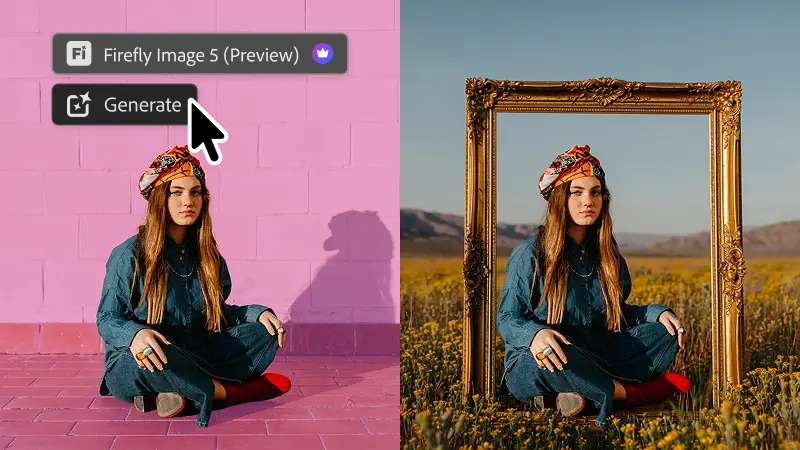
It seems I’m on something of a Photoshop kick lately (something something you can take the boy out of West 10, but…), so I’ll mention a couple of interesting-sounding enhancements that have landed in the latest release:
- Instruct Edit with Masks, powered by Firefly Image 5, understands the full context of your image so you no longer need to precisely mark every edit area yourself. Just describe the precise edits you’re looking for — such as opening closed eyes or placing a hat on a specific person’s head — with simple prompts. The unmasked areas remain untouched so your other important elements, like faces, logos, or brand assets, are protected.
- Light Adjustment Layer gives you professional-grade lighting controls — Exposure, Contrast, Highlights, Shadows, Whites, and Blacks — in a new non-destructive adjustment layer, so you get Camera Raw-level results without ever leaving your Photoshop layers workflow.
- Markup lets you visually communicate edits by drawing directly on an image to show the model what you want — select areas to recolor, sketch arrows to indicate position, or brush in rough shapes to suggest new elements — so you can get results that more closely match your vision while reducing the ambiguity of text-only prompts.