My new teammates have posted a series of detailed tips & tech specs (e.g. you can upload as many as 14 images together with a prompt). Check it out!
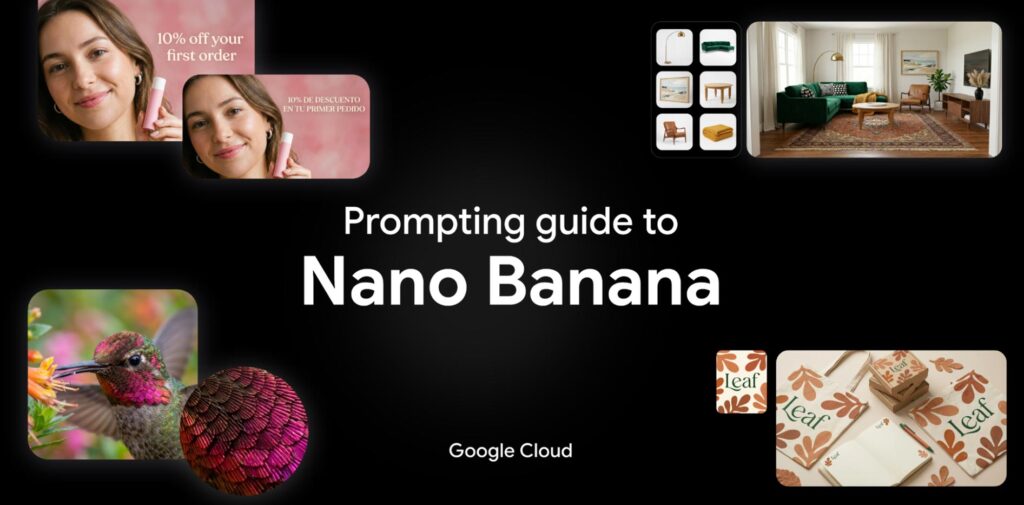
1. Introduction to Nano Banana
- The Models: Overview of Nano Banana 2 (powered by real-time web search) and Nano Banana Pro (built for high-end reasoning).
- Core Strengths: Deep reasoning capabilities, accurate visual rendering, and premium features like text rendering and upscaling (2K/4K).
2. Technical Specs at a Glance
- Context Windows: Up to 131,072 input tokens for Nano Banana 2.
- Versatility: Supports multiple aspect ratios (from 1:1 to 21:9) and up to 14 reference images in a single prompt.
- Safety: Built-in SynthID watermarking and C2PA credentials for responsible AI use.
3. Best Practices for Prompting
- Be Specific: Focus on concrete details regarding subject, lighting, and composition.
- Positive Framing: Describe what should be there (e.g., “empty street”) rather than what shouldn’t.
- Director’s Perspective: Use cinematic terms like “low angle,” “bokeh,” or “aerial view.”
4. Five Powerful Prompting Frameworks
- Image Generation: Using the [Subject] + [Action] + [Context] + [Style] formula.
- Image Editing: Utilizing “Semantic Masking” to change specific parts of an image via text.
- Real-Time Data: Leveraging web search to create visuals based on current events or weather.
- Text Rendering: How to get legible, localized text in over 10 languages within your images.
- Creative Direction: Advanced tips for controlling lighting (e.g., Chiaroscuro), camera hardware (e.g., GoPro vs. Fujifilm), and film stock.
5. The Creative Ecosystem
- How to combine Nano Banana with other models like Gemini (for prompt engineering), Veo (for video keyframes), and Lyria (for AI soundtracks).