Man, I know I’ve been on a bit of a bummy kick with some AI-related posts lately, but I think we’ve gotta look at this maelstrom from all angles—including the really emotional ones.
I found this episode really touching:
Steven Strogatz, a professor of mathematics at Cornell University, describes the excitement and grief of watching A.I. take on work that gives people a sense of purpose — and asks what could be lost if machines deliver answers without the human struggle, insight and understanding that make solving problems meaningful.
Likening mathematical exploration to sex & courtship was not, I’ll admit, something I expected to hear—and yet it speaks to pursuit, triumph, and resultant meaning. Give it a listen, and I’ll bet you find a lot that resonates.
China’s booming ultra-short drama industry is being reshaped by the rapid rise of AI-generated video. In Zhengzhou, one of the country’s major production hubs, directors, actors, crews, and film bases that once fueled the industry’s explosive growth are now facing shrinking… pic.twitter.com/98w0RdgZeH
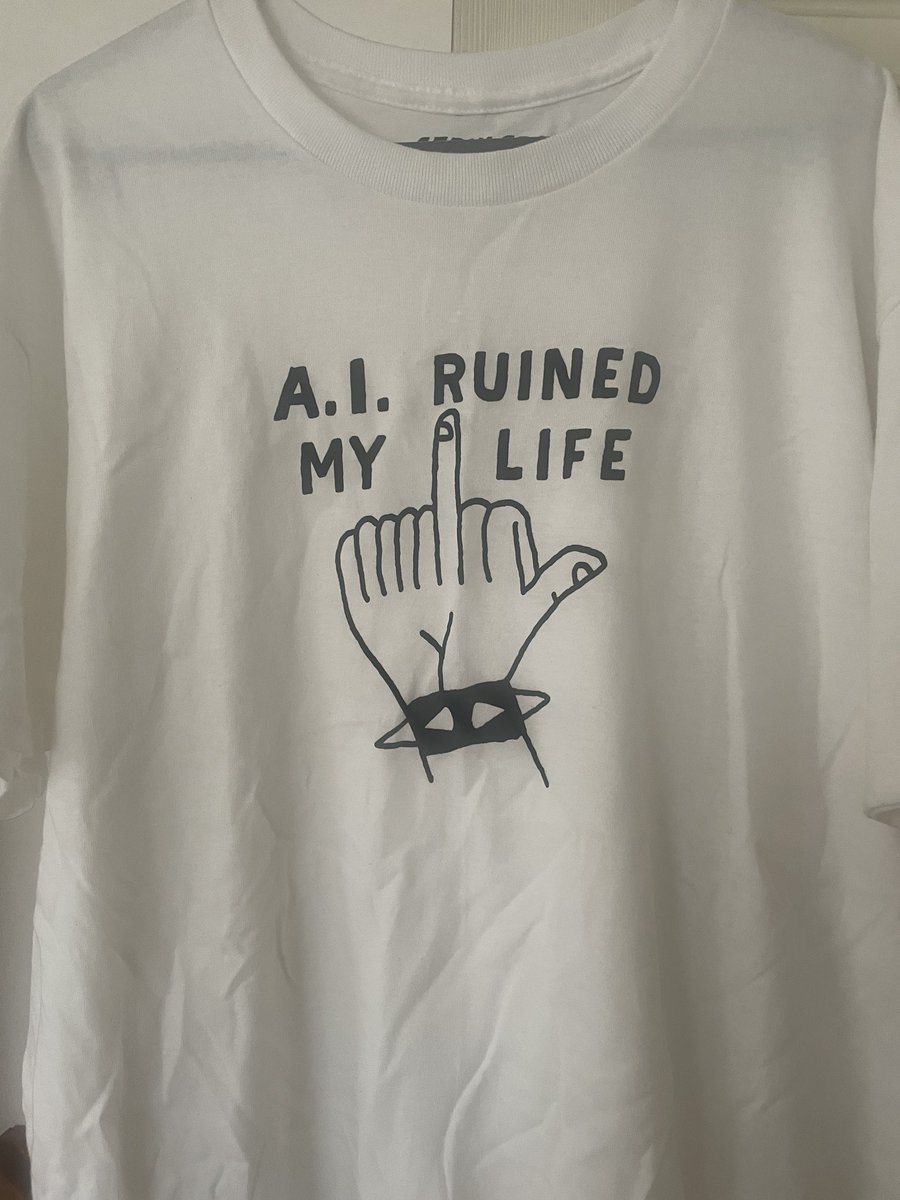
In a world polarized between AI hype & hate, I found Molly Graham’s take refreshing. She of “Give away your Legos” fame (i.e. give away what you’ve gotten good at) plainly acknowledges how much it sucks when AI one-shots so much of your hard-won craft and skills.
Yes, big step-changes in our tools promise that we can go from building houses to building entire worlds, but… what’s wrong with building just houses? Why is my work, my accomplishment, no longer enough?
I think you’ll find some thoughtful insights in this candid chat she had with Lenny Rachitsky:
Gemini provided a nice summary of key related points in her talk:
Key Emotional Challenges
The Identity Shift: Many professionals are mourning the loss of their traditional craft, moving from “rowing” (hands-on execution) to “steering” (managing AI tools). As Molly notes, “I’ve heard from a lot of engineers just like I really miss what it used to be” (1:03-1:06).
Loneliness of Collaboration: The collaborative nature of work is being altered as humans increasingly interact with AI agents rather than teammates. Molly describes a conversation with a product leader who felt “it’s kind of lonely” because “I miss these parts of the collaboration that have been a little bit stripped away” (21:43-21:52).
Burnout and Pressure: With burnout rates rising (55% according to the podcast data), employees feel pushed to maintain high productivity while simultaneously managing the existential anxiety of a changing job landscape (29:20-30:05).
Critical Perspective
Normalization of Grief: Molly stresses, “Change sucks. It also can be awesome but we don’t have to be fluffy bunnies about this. We can also just say this is hard” (22:03-22:08).
The Importance of Leadership: She cautions that leaders who attempt to gloss over these human realities risk alienating their teams, urging managers to create space for open dialogue about the difficulty of this era (15:15-15:20).
“Dad, what were the 90’s like?” “Well, son, we spent most of it slowly dying as we set vector points frame by frame in order to (badly) separate items from video backgrounds…”
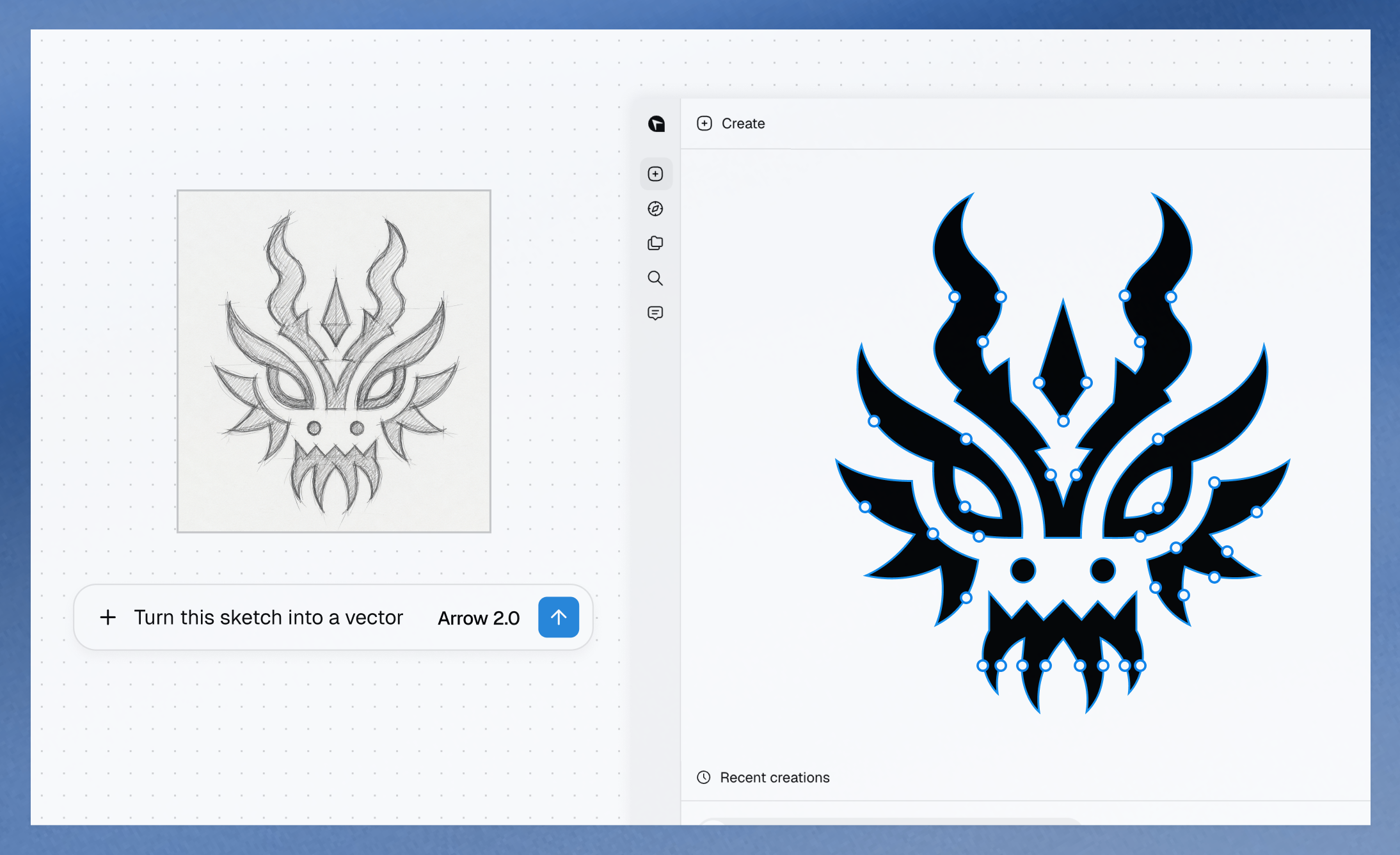
Maybe now models like this can once & truly drive a stake through the hearts of such dark days. Check it out, along with some sharp words from Aharon Rabinowitz—who 1000% knows what he’s talking about:
Any compositor who looks at this and says I won’t use a tool like this because it’s AI is just stupid and self-sabatoging. There is nothing precious about green screen removal. There is nothing artistic about rotoscoping. It’s painful, costly, time consuming grunt work that…
I’m not sure what this will translate into, concretely, but I’m glad to see his holiness raise the topic:
In this era of artificial intelligence, it is becoming urgent to distinguish human art from what machines produce. There is an ontological difference, even before an aesthetic one, between art and what a machine can generate through statistical calculation based on millions of…
OMG, it’s like Photoshop’s now-ancient (!) Content-Aware Scale, times 10. Check out the thread below, or look in the album I made to gather its six eye-popping examples.
The model treats window size as another input, the same way it treats a click or a drag. Resize the frame and it renders a new composition for the space it has, not a scaled version of the old one. pic.twitter.com/mTpMe3enir
Honestly I have some very mixed feelings here: as the son of an elderly dad who’s facing increasing challenges around memory, I have a hard time even watching this trailer, much less the full film. Visualizing old memories, reanimating old friends… Is this a good idea? I have no idea, and emotionally I find I can’t much engage beyond the basic premise. Still, because it’s culturally interesting, and we’ll almost certainly see more explorations like this:
Ethelle and Burt have shared a lifetime together, but as Burt’s memory begins to fade, so too does the story of how their love began. Holding onto one cherished moment that was never photographed or recorded, Ethelle works with clinical experts and her family to recreate their first meeting using generative technology. LOVE, RENDERED is an intimate documentary short about love, memory, aging and the ways new tools may help preserve human connection. Directed by two-time Oscar-nominated filmmaker Liz Garbus and produced by Oscar winner Dan Cogan and Oscar-nominee Darren Aronofsky.
Check out DiffHDR, which looks useful for making both captured & AI-generated vids more amenable to rich display and editing:
Most digital videos are stored in 8-bit low dynamic range (LDR) formats, where much of the original high dynamic range (HDR) scene radiance is lost due to saturation and quantization. This loss of highlight and shadow detail precludes mapping accurate luminance to HDR displays and limits meaningful re-exposure in post-production workflows. Although techniques have been proposed to convert LDR images to HDR through dynamic range expansion, they struggle to restore realistic detail in over- and underexposed regions.
To address this, we present DiffHDR, a framework that formulates LDR-to-HDR conversion as a generative radiance inpainting task in the latent space of a video diffusion model. By operating in Log-Gamma color space, DiffHDR leverages spatio-temporal generative priors from a pretrained video diffusion model to synthesize plausible HDR radiance in over- and underexposed regions while recovering the continuous scene radiance.
Our framework further enables controllable LDR-to-HDR video conversion guided by text prompts or reference images. To address the scarcity of paired HDR video data, we develop a pipeline that synthesizes high-quality HDR video training data from static HDRI maps. Extensive experiments demonstrate that DiffHDR significantly outperforms state-of-the-art approaches in radiance fidelity and temporal stability, producing realistic HDR videos with considerable latitude for re-exposure.
I will repeat it until I go blue: this kind of interactive model (in this instance from Runway) is either the future of Photoshop, or the replacement for it. There is no third way.
Wow—until now I had no idea how much the Nolan brothers owed to Michael Mann & “Heat.” This great vid (ignore the dumb poster frame) offers some striking shot comparisons & parallel narrative choices. I think you’ll get sucked in.
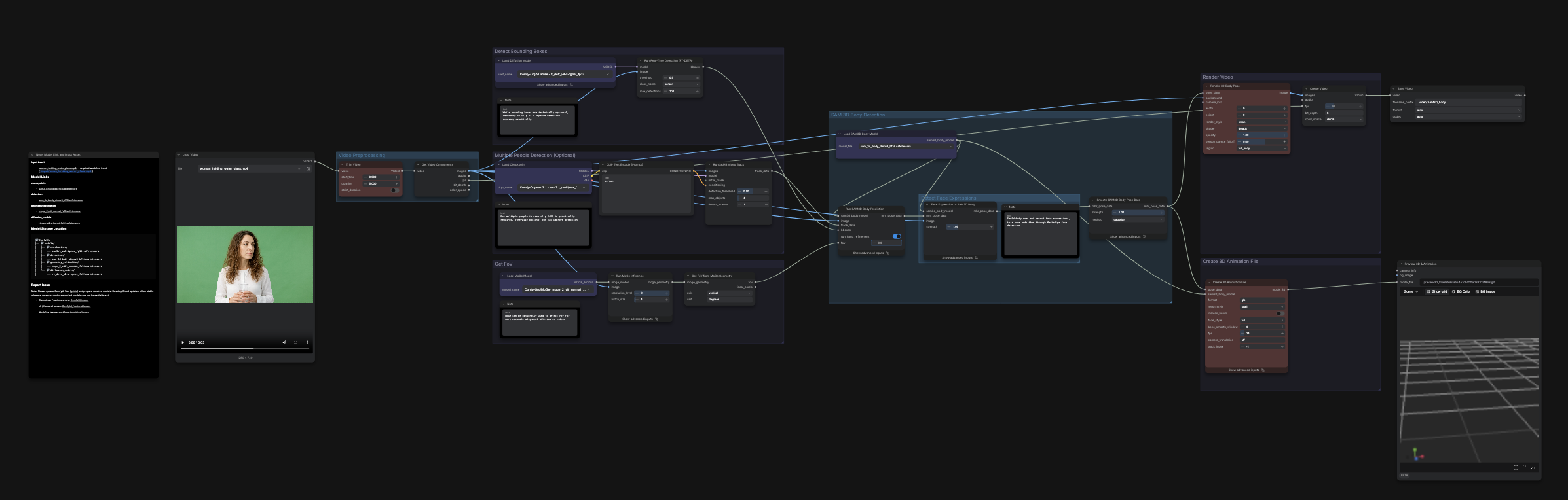
As I showed last week (i.e. ~3 million years ago in AI time!), it’s now possible to use AI to choreograph the creation of complex animations using After Effects:
GPT-6 can now control After Effects directly, designing any motion graphic you want from a simple style reference and building it out layer… pic.twitter.com/dzSfYtLzDw
Here’s a solid 8-minute tutorial on how to get up and running:
Summary courtesy of Gemini:
The three-step workflow:
Storyboarding (1:50 – 4:05): Before building, use Astra to generate a storyboard. This ensures visual alignment and prevents inefficient prompting loops. You can also provide reference videos for Astra to analyze and use as stylistic inspiration.
Prompting & Building (4:05 – 6:23): Provide a detailed prompt to Codex describing your desired scenes (beats) and effects. You can use provided templates from the creator’s GitHub repository. The AI will then generate scripts, perform the animation in After Effects, and automatically check its own work before presenting the final project.
Editing (6:23 – 7:52): Finalize your project using follow-up prompts to refine specific graphics, transitions, or audio. The creator emphasizes the importance of human oversight, especially for managing transition speeds between scenes.
Cool work from Gabi on the Firefly team; see details in the tweet.
Ironically, Adobe shipped interactive expression control six years ago (!) in Neural Filters, and I left Google to return to work on that stuff at Adobe. The quality & generalizability of GANs let us down, however. It’s great to see continued progress now.
Quick prototype for character expressions at scale done with GPT Image 2.5! Made with a 5×5 image in @AdobeFirefly Boards. Used Claude extract each image and pull it into a little interface. pic.twitter.com/Tkck1AGf4R
I can’t say I grok the name, but whatever: not unlike Canva’s Magic Layers feature, Ad Delayer promises, “The ad you already paid for becomes a working source file again.”
– Recovers a layered, editable composition from a finished flat ad – Headlines come back as SVG text, so localizing a variant is a structural edit, not a re-creation – Layers arrive typed and ordered pic.twitter.com/cWWGKGZGr1
I’m a fan of these guys. Charles is awesome, and my friend Philip (with whom I got my start in his pre-ILM/Pixar days) is leading product design. I’m excited to try out their “semantic scene architecture,” which promises to focus on outcomes rather than inputs:
My cofounder @cmigos (ex-Apple & Unity) shows how to animate cameras in Intangible’s semantic scene architecture.
Watch him stage the action, track a subject, and move the camera in 3D like he’s directing on set.
Insane that 3D worlds can be conjured straight from language, then rendered natively or used as guidance for AI-based rendering. Check out this demo from my former Adobe teammate Tom:
I had an early access to GPT-6 Astra and I can say, everyone in the world now has a 3D designer at their fingertips. I gave it an image of a house and asked to create it in 3D with all the details including toys, appliances and furniture. This a full 3D model reconstruction in… pic.twitter.com/VuBOPQH0Ht
Astra is very good at 3D modeling, and I can’t wait for all of you to experience it, for now here is a little walkthrough on how I built the demo house for our launch blog post. From a Blender scene to a Unreal Engine 5 walkable experience. Thread. pic.twitter.com/xGqe5iXoRv
I guess we’re allowed to talk about it now… Astra has absolutely blown my mind. I did get early access to test it out and it’s definitely felt like the biggest leap we’ve seen in a long time!
I asked it to make me a humanoid wolf in Blender, it used computer use, took control… pic.twitter.com/NFW9K073EJ
It seems I’m on something of a Photoshop kick lately (something something you can take the boy out of West 10, but…), so I’ll mention a couple of interesting-sounding enhancements that have landed in the latest release:
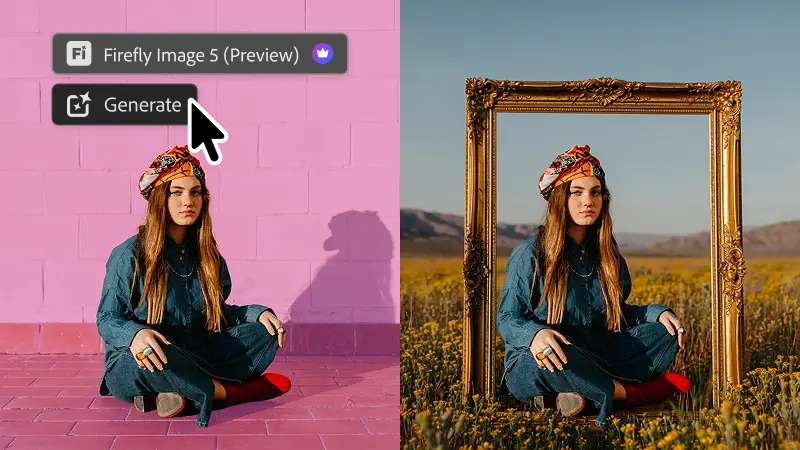
Instruct Edit with Masks, powered by Firefly Image 5, understands the full context of your image so you no longer need to precisely mark every edit area yourself. Just describe the precise edits you’re looking for — such as opening closed eyes or placing a hat on a specific person’s head — with simple prompts. The unmasked areas remain untouched so your other important elements, like faces, logos, or brand assets, are protected.
Light Adjustment Layer gives you professional-grade lighting controls — Exposure, Contrast, Highlights, Shadows, Whites, and Blacks — in a new non-destructive adjustment layer, so you get Camera Raw-level results without ever leaving your Photoshop layers workflow.
Markup lets you visually communicate edits by drawing directly on an image to show the model what you want — select areas to recolor, sketch arrows to indicate position, or brush in rough shapes to suggest new elements — so you can get results that more closely match your vision while reducing the ambiguity of text-only prompts.
See, I just take Gemini to the dog park, but my teammate Genevieve took it all the way to the pool on vacation. There are levels to this stuff. 🙂
But seriously: this is a really nice visualization of the new clip-extension feature, among other things. That’s how the scene can run a full 30 seconds.
Fun with Omni 1.1 Flash by the pool video gen can be very finicky, but this new version feels extra good – more creative control with first/last frames, the ability to extend scenes, faster drafting at 360p – give it a shot! pic.twitter.com/BPzoOE33vv
I’m not sure whether that’s true, but I am sure that the future—and increasingly, the present—of image creation and editing will look at lot and feel like this:
What a cool approach to creative control. Looking forward to checking it out!
Photoshop has a new Assisted Editor (beta) with a feature called Tune where YOU create a slider to manipulate an image any way you want. It’s so impressive! Try it now in the full version of Ps and let me know what you think! pic.twitter.com/OPulCm2EkM
“It started as a slightly ridiculous question,” says Bilawal Sidhu: “How much of the planet can you make sense of from public data and a browser tab?
Being able to navigate & understand the world with a Jarvis-style UI is just magical.
Once aircraft, vessels, satellites, active fires, earthquakes, traffic, public cameras and physical infrastructure live on the same photorealistic 3D globe, it stops feeling like a pile of dashboards. It feels like a command center.
In this video I walk through the whole thing: ask the planet what’s happening over a cluster of military flights; jump into cockpit mode; voice-fly to points of interest, draw real boundaries and routes; move from city traffic into street cameras; inspect the physical internet; tune into radio around the world; and replay a recent Falcon 9 launch.
I’ll say it again: Forget the video component per se: interactivity like this is either the future of Photoshop, or it’s the replacement for Photoshop. There’s no third way.
Meet Higgsfield Relight
Add professional lighting to any shot after you shoot it:
> Drag lights around your subject from any angle > Set color and brightness for each one > Change the mood of an entire scene
Come build beautiful things with higher resolutions (and lower: 360p is great for fast, cheap drafts), clip extension (up to 10s at a time, up to 40s total), better support for audio and video references, improved frame interpolation (specifying first/last frames), and more. Let’s tell great stories together. 🙂
More creative control with start and end frames. This helps keep the characters and narrative consistent as you thoughtfully transition between frames.
Elevate your rough cuts into polished pieces. Export crisp video in 1080p or 4K, ready for high-end digital, social, or broadcast editing workflows.
Draft videos quickly and upscale for quality. Test out concepts and compositions at a faster, lower-credit 360p resolution before committing to a full-resolution render. Once you have a clip you’re happy with, you can then download it in 720p resolution. This is particularly helpful in the Google Flow app — you can quickly draft videos on your phone on the go, and upscale your favorite versions.
See this thread for great examples, and please let me know if you have questions or requests. Onward!
Gemini Omni 1.1 Flash is our newest multimodal model for video generation and editing. It delivers a new suite of creative capabilities and controls for developers
Something something how to get a-head in generative video…? 🙂
messing around with cartoon physics in omni flash. it is just too good – the character consistency, the sound effects, all of it !! pic.twitter.com/qrlvSqijT8
Donkman Effeminate Forklifts FTW! :-p (I have no idea how she made it through this copy without completely cracking up—and per the comments, neither does she!)
Like so many folks in the extended imaging community, I was sad to hear of the passing of Jay Maisel. Though I never got to know him well, Jay was a familiar & colorful presence in the world of Photoshop and Lightroom. See some memorable recollections from Joe McNally.
Many years ago I had the chance to drop by the iconic converted bank building in the Bowery he occupied for nearly half a century. (This must’ve been before phone cameras got good, as otherwise I’d have shot the bejesus out of the place.) It was everything you’d hope it to be.
More recently, my father-in-law (having no idea about the visit) dialed up the documentary “Jay Myself” last night, and whole family (down to my then-12yo budding photographer son) loved it. I think you would, too!
Still think that AI is all about slop-machine randomness vs. artistic control? CrossViewWarp (see details & more examples) is one of many emerging technologies challenging that view:
CrossViewWarp allows you to change the camera arc of an existing video while maintaining the motion.
Wow—provided quality & resolution can be made high enough, tell me how soon tech like this can come to Photoshop & Lightroom:
Depth-aware light injection in TypeGPU
I got a 448×448 monocular depth model down to ~8 ms on my M4 Pro across ~250 dispatches, which is fast enough to use in realtime 😀 Since the inference is written directly in TypeGPU, I can just feed the depth buffer straight into the… pic.twitter.com/txDXqc88l6
My friend Dave (Adobe designer for Firefly video) brings his characteristic wit to the tribulations of just trying to “sell some junk” in the age of AI-infused design:
Given that we’re taking our eldest son to start life as a University of Colorado Buffalo tomorrow (!), it was only fitting that we communed with a few real buffs in Yellowstone over the last few days. Here’s an Insta gallery:
Bonus wildlife from the trip: in Boise we dropped by the The World Center for Birds of Prey and got to see this handsome crew in action. (Inside-baseball detail: hopefully you’d never know that I was obliged to photograph the first owl shown through a dense set of bars on his enclosure. Nano Banana in Photoshop to the rescue!)
It’s a very imperfect analogy, but I feel like as AI video fully passes the “can this pass for real” test, we’ll break into new & more interesting territory—much as painting did once photography took the “does this replicate reality” crown.
Here’s a handful of fun, beautiful animations rendered in a variety of styles. The fact of them being powered by new models is kind of incidental—as it should be: all that matters is what moves people & what helps artists do that.
Just think for a moment about the potential Seedance 2.5 has for children’s storytelling.
Bringing an animated story to life for your kids has never been easier.
Today, a solar eclipse over Poland. The first such one in 72 years. The last time people looked up at the sky like that was in 1954 – through soot-covered glass, on Constitution Square in Warsaw. I froze that moment and flew through it with a camera. All the way to the sun. Zdzisław Wdowiński / PAP, 1954
Dziś zaćmienie słońca nad Polską. Pierwsze takie od 72 lat.
Ostatni raz ludzie patrzyli tak w niebo w 1954 roku – przez zakopcone szkiełka, na Placu Konstytucji w Warszawie.
Zamroziłem tamten moment i przeleciałem przez niego kamerą. Aż do słońca.